How to Connect Social Media Accounts to Hyvo
Every network Hyvo publishes to, what each one connects as, and a link to the full walkthrough for whichever you are setting up.

Quick guide
Open Connect, press Connect account, pick a network, and approve the permissions on that network's own screen. Hyvo never sees your password. What differs between networks is which kind of account is allowed to connect.
- Go to Connect in the sidebar and press Connect account.
- Pick the network. Hyvo sends you to that network's own login and permission screen.
- Approve. You come back to Hyvo with the account listed and live.
- Repeat for each account. Free covers three, Premium is unlimited.
- If a row ever shows an expired connection, press Reconnect on that row.
The full walkthrough is below.
Connecting an account is the one setup step you cannot skip. The composer, the calendar, the inbox and analytics all read from accounts you have connected, and until there is at least one there is nothing for any of them to do.
This is the short version plus a map. Each network has its own page with the detail.
The flow, in four steps
- Open Connect in the sidebar.
- Press Connect account and pick a network.
- Log in on that network's own screen and approve the permissions they show you.
- You land back in Hyvo with the account on the list.

The supported networks
| Network | Connects as | Character limit | Needs media |
|---|---|---|---|
| X (Twitter) | Profile | 280 | No |
| Page | 3,000 | No | |
| Business or Creator | 2,200 | Image | |
| Threads | Profile | 500 | No |
| Page | 63,206 | No | |
| TikTok | Profile | 2,200 | Video |
| Business | 500 | Image | |
| Bluesky | Profile | 300 | No |
| Mastodon | Profile | 500 | No |
The list is the claim. There is no hidden set of networks behind a paid tier, and there is no YouTube. The platforms page carries the same list with the numbers each one reports back.
Where the per network detail is
Three networks want a particular kind of account before they will let a tool publish, which is where most people get stuck. Each guide covers its own version of that:
- Connect Instagram, which needs a Business or Creator account linked to a Facebook Page
- Connect LinkedIn, which connects as a Page you administer
- Connect Facebook, which connects as a Page rather than a profile
- Connect X, which is a Premium feature and returns the most numbers of any network
- Connect TikTok, which will not take a post without a video
Threads, Bluesky, Mastodon and Pinterest connect as ordinary profiles or business accounts with nothing to convert first.
Reading the list afterwards
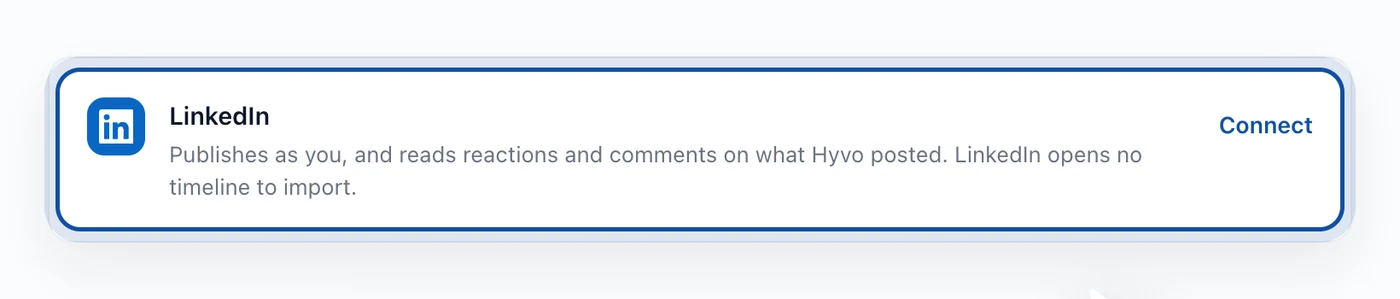
Each row states what that connection can and cannot do. The limits are usually the network's rather than ours, and knowing them up front saves an hour of thinking Hyvo is broken.

When a connection expires
Networks expire tokens on their own schedule, and some end one the moment you change a password or revoke an app elsewhere.

The row says so and offers Reconnect. Your scheduled posts, history and analytics all stay where they are. Anything queued for an expired account will fail rather than disappear, so reconnect before a busy week rather than after one. Why a scheduled post did not publish covers the rest of that.
FAQs
How many accounts can I connect?
Three on the free plan. Premium removes the limit.
Does Hyvo store my social media password?
No. You log in on the network's own site and Hyvo receives a token. There is no field anywhere in Hyvo that takes a social password.
Can I connect two accounts on the same network?
Yes. Two X profiles, three LinkedIn Pages, whatever the plan allows. Each connects separately and appears as its own row.
What happens if I disconnect an account?
Scheduled posts for that account stop going out. History and past analytics stay in your workspace.
Does Hyvo support YouTube?
No. The networks above are the whole list.
About the author

Founder, Hyvo
Subarna Basnet is the founder of Hyvo, an AI-powered platform helping businesses create, manage, and automate social media marketing. He writes about AI, social media automation, content creation, and marketing technology.