How to Connect X to Hyvo
X connects as a profile, gives back more numbers than any other network in the set, and is the one network the free plan does not include.


Quick guide
Connect X from Connect in Hyvo and approve the permissions on X's own screen. It connects as a profile, holds you to 280 characters, and returns more engagement detail than any other network Hyvo supports. X is a Premium feature.
- Make sure you are on Premium. X is not part of the free plan.
- In Hyvo, open Connect, press Connect account and choose X.
- Authorise on X's own screen.
- Write to 280 characters. The composer counts per account.
- Expect impressions, likes, replies, reposts, quotes, bookmarks and clicks back.
The full walkthrough is below.
X reports more numbers than any other network Hyvo supports, and gives you the least room to write. It is also the one network the free plan does not include, so start there.
X is on Premium
The free plan covers three accounts, twenty posts and thirty AI requests a month, and it does not include X. Premium does, along with unlimited accounts and posts.
We would rather say that on this page than have you spend ten minutes wondering why the tile is not doing what you expect.
How to connect your X account
Open Connect, press Connect account, choose X.
You authorise on X's own screen and come back with the profile connected. It connects as a profile rather than a page, so whichever account you are signed in to on X is the one that connects. If you run several, sign out first or use a private window.
What Hyvo can do with X
Publish posts up to 280 characters, with or without media.
Schedule them.
Read a lot. X returns more than any other network Hyvo supports:
- Impressions
- Likes
- Replies
- Reposts
- Quotes
- Bookmarks
- Profile clicks
- Link clicks
That combination makes X the network where Hyvo's analytics are most useful, because you get both a reach figure and the responses, so an engagement rate means something rather than being a ratio of two things you half know.
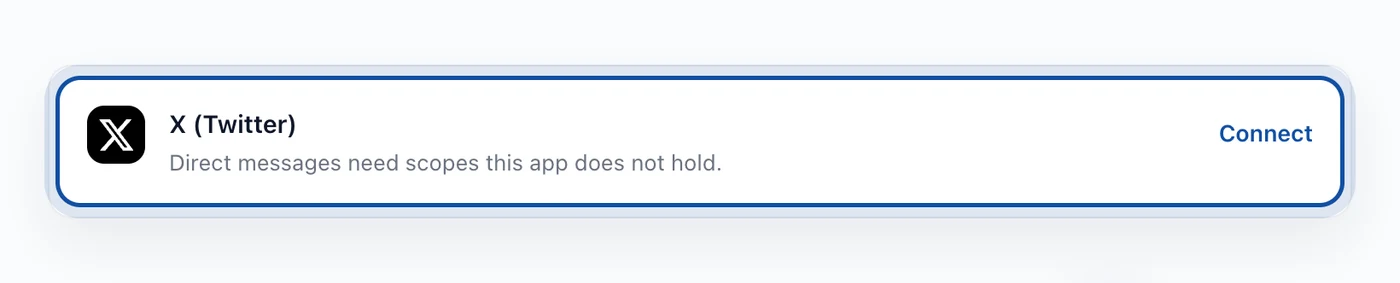
Not direct messages. The row says it plainly: DMs need scopes this app does not hold. Replies and mentions come through to the inbox. Private messages do not.
Writing one draft for X and something longer
Most people who connect X also connect a network with room to breathe. One draft going to both is exactly where a good post on one becomes a bad post on the other.
The composer lets you write the shared version and then rewrite the channels that need it, so the X post can be its own thing rather than a truncated LinkedIn post. There is a guide on that in how to schedule posts across multiple platforms.
If the connection stops working
X expires tokens and revokes them if you remove the app from your X settings. The account row will say so and offer Reconnect, which runs the same authorisation screen. Scheduled posts, history and analytics all stay where they are.
FAQs
Is X included in the free plan?
No. X is a Premium feature. Free covers three accounts on the other networks, twenty posts and thirty AI requests a month.
Can Hyvo read or send direct messages?
No. The connection does not hold the scopes for DMs. Replies and mentions do come into the inbox.
How long can an X post be?
280 characters, including links. A specific account entitled to more will have that read from the account itself.
Which X numbers does Hyvo show?
Impressions, likes, replies, reposts, quotes, bookmarks, profile clicks and link clicks.
Can I connect two X profiles?
Yes, on Premium. Each connects separately and the composer treats them as two accounts with their own counters.
About the author

Founder, Hyvo
Subarna Basnet is the founder of Hyvo, an AI-powered platform helping businesses create, manage, and automate social media marketing. He writes about AI, social media automation, content creation, and marketing technology.