How to Get Started With Hyvo: A Beginner's Guide
Sign in, connect one account, write one post. The whole setup takes about ten minutes, and this is what happens at each step.

Quick guide
Sign in with Google, let Hyvo read your website so it knows your brand, connect one social account, and publish one post. Everything else can wait until you have done that once.
- Sign in at the login screen with Google. There is no password to choose.
- Give Hyvo your website address so it can fill in your brand memory.
- Connect one account from Connect. Start with the network you post to most.
- Write a post in the composer and publish it, or schedule it for later.
- Come back the next day and look at Analytics. That is the loop.
The full walkthrough is below.
Most tools ask you to set up everything before they let you do anything. This one is the other way round. You can be publishing inside ten minutes, and the parts that make Hyvo good at its job, brand memory, automations, analytics, all get better after you have posted a few times rather than before.
So here is the short path. Five steps, in order, and what each one is actually for.
Step 1: Sign in
There is one way in and it is Google.
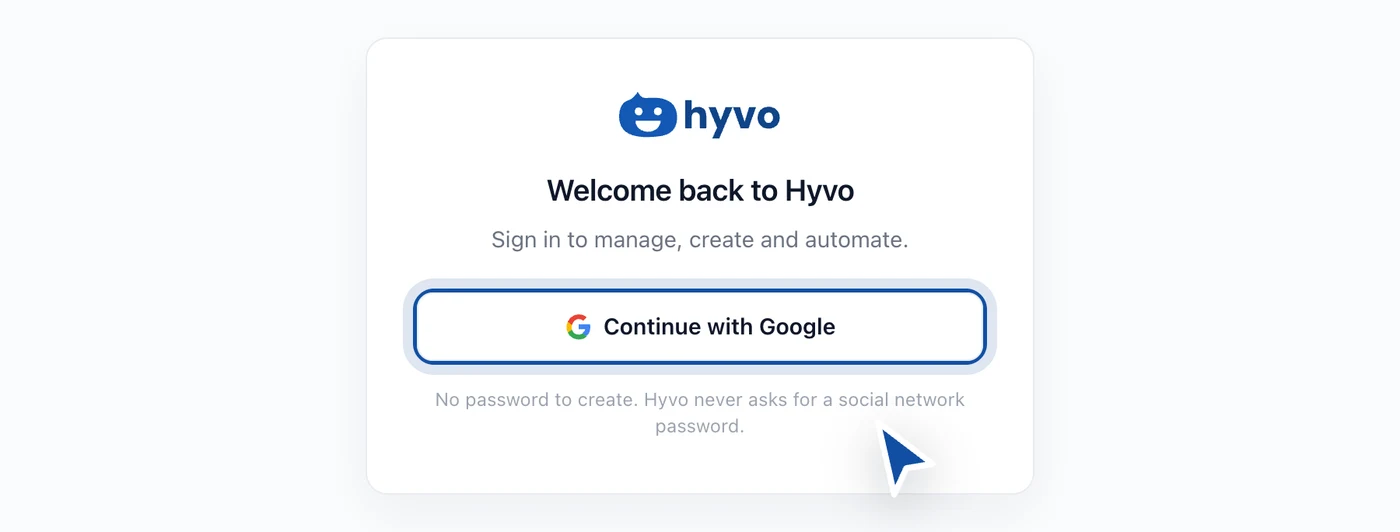
We did not build an email and password flow. Social accounts are the keys to a brand's public voice, and the weakest link in that chain should not be a password somebody reused from another site. Google handles the sign-in, we handle what happens after.
Signing in creates your workspace. One account gets one workspace, and everything you connect, write and schedule lives inside it.
Step 2: Let Hyvo read your website
The first thing Hyvo asks for is your website address.
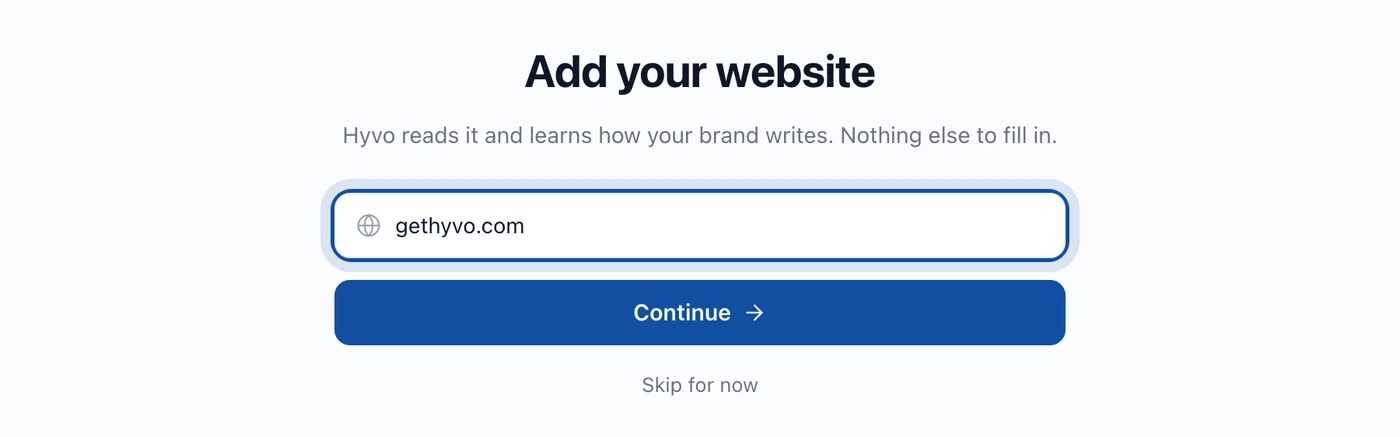
This is worth thirty seconds of attention, because it is the difference between an assistant that writes like a marketing blog and one that writes like you. Hyvo reads the site and fills in a first draft of your brand memory: what the business does, who it is for, what industry it sits in, and roughly how you sound.
None of that is locked. Everything it guesses is a form field you can correct, and those ten minutes pay off in every draft afterwards. There is a whole tutorial on that: creating a consistent brand voice.
Step 3: Connect one account
Not all of them. One.

Pick the network you actually post to most. The point of connecting one is to get all the way through a publish before you widen out, so that if something is going to go wrong you find out on one account instead of six.
Each network hands Hyvo a different set of permissions, and each has its own quirks about what kind of account can connect. How to connect social media accounts walks the general flow, and there is a per network guide for each of the ones people ask about most.
Step 4: Write one post
Open the composer and write something real. Not a test post, an actual thing you were going to say this week.
The composer asks three questions in order: which accounts, what does it say, and when does it go out. Choose one account, type, and either publish now or pick a time. The character counter is per account and reads from the account's own limit, so a draft that is fine for LinkedIn and too long for X tells you so before you press anything.
If you want the full walkthrough, including the four things that quietly stop a scheduled post from going out, read how to schedule your first post.
Step 5: Come back tomorrow
This is the step everyone skips and it is the one that compounds.

A day after your first post, open Analytics. There will not be much there yet, and that is fine. What you are doing is starting the record that everything else in Hyvo reads from. The assistant answers from your posts and your numbers. The automations you build later fire on your results. Both of them are empty until you have published a few times.
What to do in your first week
In rough order of how much they pay back:
- Correct your brand memory. Ten minutes, and every draft after it improves.
- Connect the rest of your accounts, one at a time.
- Publish five or six posts across a week so there is something to measure.
- Open Analytics and read what the numbers mean.
- Only then, look at automations. They are worth building once you know what your routine actually is.
FAQs
Do I need a card to start?
No. The free plan takes three accounts, twenty posts a month and thirty AI requests a month, and it does not ask for payment details.
Can I use Hyvo with just one network?
Yes. Plenty of people run one LinkedIn page through it and nothing else. The multi network parts stay out of your way until you connect a second account.
What is the difference between Free and Premium?
Free is three accounts, twenty posts and thirty AI requests a month, without X, without Agent mode, without automations and without research. Premium is nine dollars a month, or eighty six dollars forty a year, and lifts all of those, adds up to five people, and makes accounts and posts unlimited.
Does Hyvo post anything without me asking?
No. Nothing publishes unless you publish it or schedule it. Automations only run once you build one and turn it on, and you can put an approval step in front of any automation that writes, which holds drafts until you have read them.
How long does setup actually take?
Ten minutes to first post if you know which account you want to connect. The brand memory pass is another ten and is worth doing before you write anything you care about.
About the author

Founder, Hyvo
Subarna Basnet is the founder of Hyvo, an AI-powered platform helping businesses create, manage, and automate social media marketing. He writes about AI, social media automation, content creation, and marketing technology.