How to Turn One Idea Into Multiple Social Posts
Repurposing done properly: what actually travels between networks, what has to be rewritten, and how to get AI to do the rewriting without flattening the idea.

Quick guide
Start from something that already worked, pull the idea out of the format it arrived in, then give it a new shape for each network instead of copying the text across.
- Start from a post that beat your own median, not from a blank page. Analytics or Hyvo AI will point them out.
- Write the idea down as one plain sentence, stripped of the format it came in.
- Give that sentence a different shape per network: short and blunt for X and Bluesky, context first for LinkedIn, picture-led for Instagram.
- Ask Hyvo AI to rewrite it for a specific channel. AI Assist aims at whichever channel you're previewing.
- Space them out. The same idea three days apart reads as a theme. The same afternoon, it reads as a bot.
The full walkthrough is below.
Most advice about repurposing is really advice about reposting. Take the thing, put it somewhere else. That's how you end up with a LinkedIn post that's obviously a tweet and an Instagram caption that's obviously a LinkedIn post.
The version that works starts one level up. A post isn't an idea. It's an idea wearing a particular outfit. Swap the outfit and the idea survives. Try to move the outfit and it doesn't.
So here's how to pull the two apart, what genuinely travels between networks, and where Hyvo AI helps.
Why one idea can carry several posts
A post that does well is pulling two levers. It says something worth saying, and it says it in a shape that suited where it turned up. Those come apart cleanly. The claim survives a change of shape; the shape almost never survives a change of network.
So the thing you're repurposing is the claim. "We cut our content calendar by 40% and reach went up" is a claim. The 190-character version ending on a question is one outfit for it. A five-line LinkedIn post that opens with the number and closes with what changed is another. A carousel is a third. Same claim, three posts, and none of them reads like a copy of the others.
Step 1: Find the ideas worth reusing
Open Analytics and look at Top Performing Posts, or just ask Hyvo AI.
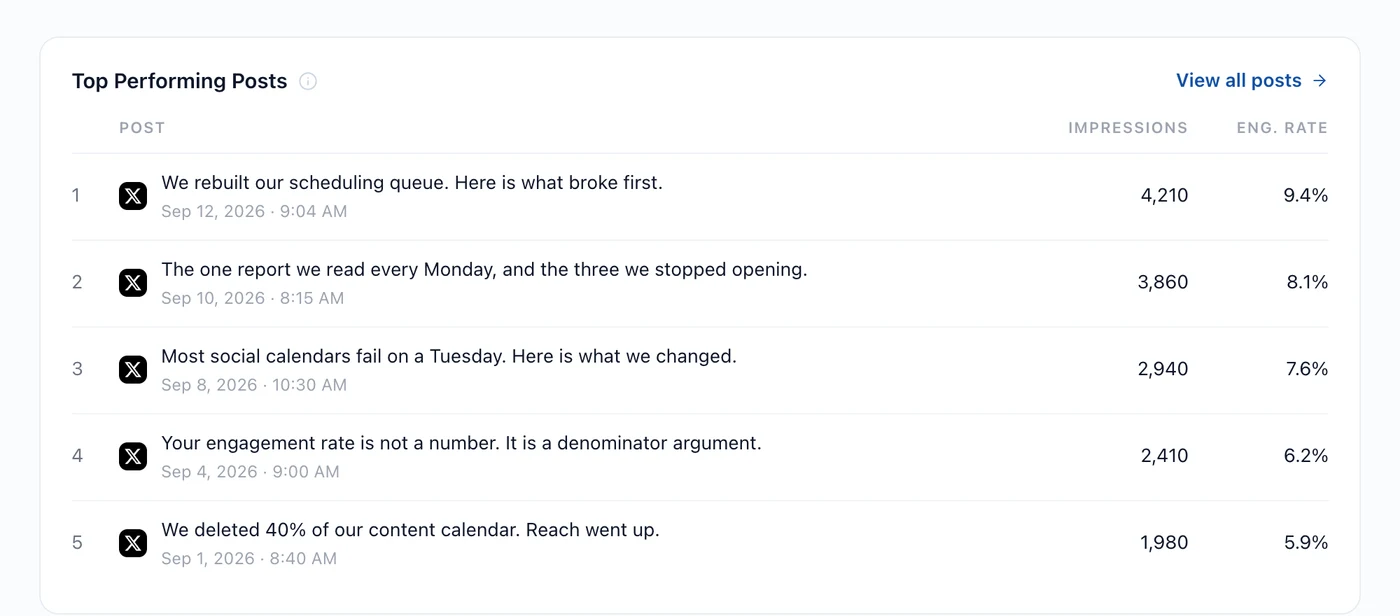
Hyvo AI's Chat mode has a Find my best posts shortcut that asks the same question and adds the part the card leaves out: what those posts have in common.
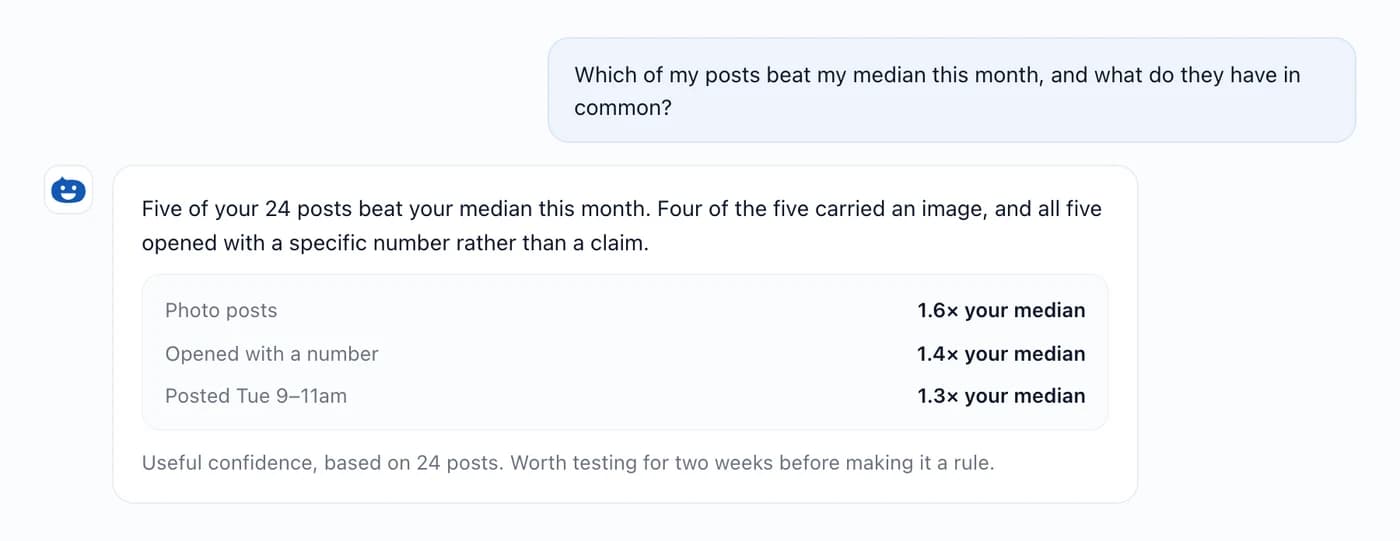
Two things to notice in that answer. It's measured against your own median, and it tells you how many posts it's based on. A pattern drawn from 24 posts is a direction worth testing. It isn't a law.
Step 2: Strip it back to the claim
Write the idea as one plain sentence. No hook, no formatting, no hashtag. If you can't, the post probably did well for reasons that were about the format rather than the substance, and it won't repurpose. It'll only copy.
A test that works: read the sentence to someone who hasn't seen the post. If they say "really?" or "how?", it'll carry. If they say nothing, you wrote a nice sentence rather than had an idea.
Step 3: Give it a shape per network
What each network rewards, in terms you can actually do something with:
| Network | Shape that fits | Room |
|---|---|---|
| X, Bluesky | One claim, stated flat. No warm-up. | 280–300 characters |
| Mastodon, Threads | Same, with a bit more room to explain. | 500 characters |
| Context, then the claim, then what it means for the reader. | 3,000 characters | |
| The picture carries the claim; the caption adds the why. | 2,200 characters, image required | |
| Chattier, longer, less compressed. | Effectively unlimited | |
| The image is the post. The text is a label. | 500 characters, image required | |
| TikTok | Video first. Everything else is metadata. | 2,200 characters, video required |
Which means one claim usually gives you two or three genuinely different posts, not seven. Forcing it onto a network whose shape it doesn't suit is exactly how you end up with a flat, everywhere-at-once feed.
Step 4: Let Hyvo AI do the rewriting
Open the composer, select the channel you're writing for, then open AI Assist. Because Assist works against whichever channel is in the preview, it aims at that network's length and habits rather than some generic average.
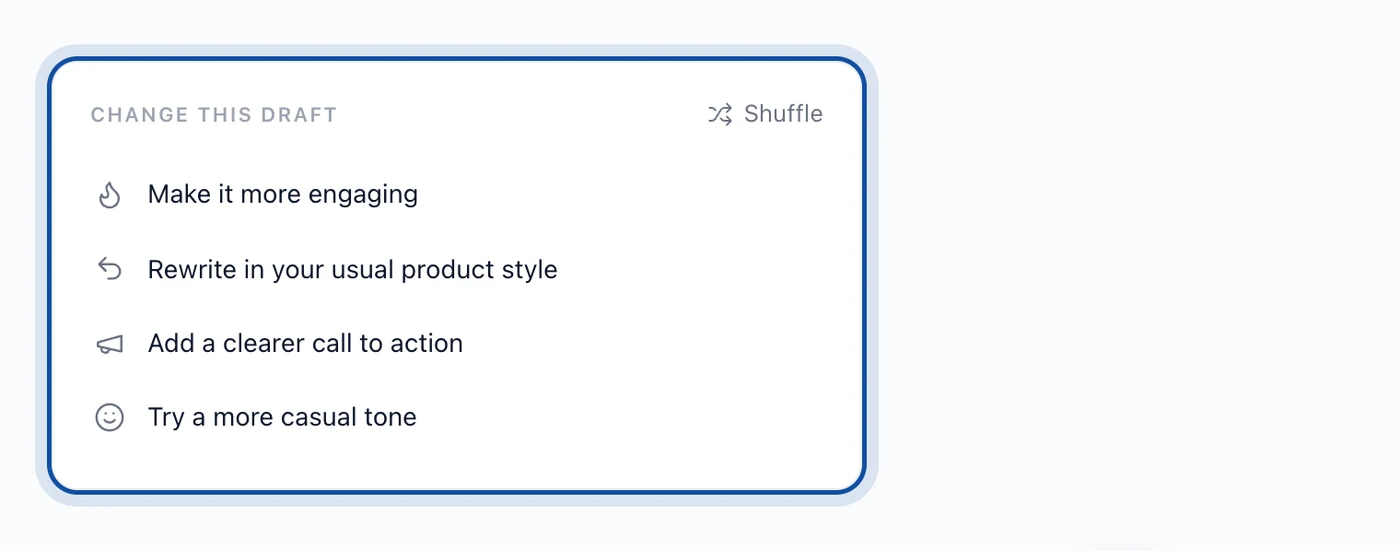
For a bigger job, several networks at once starting from a post that already exists, Hyvo AI's Repurpose content shortcut in Chat asks it to find a strong recent post and turn it into something new. On Premium, Agent mode's Repurpose my best work goes further and hands back actual drafts for your other platforms rather than suggestions.
Whatever comes back is a draft. Everything in using AI without losing your brand voice applies here, and it applies hardest to repurposing, because a rewrite is exactly the moment a model reaches for the safest version of a sentence.
Step 5: Space them out
Three versions of one idea inside an hour reads as automation. The same three across a week reads as a theme, which is what you want. Repetition is how a position becomes recognisable, and it's how the people who missed the first one catch the second.
Schedule these from the the calendar view rather than the composer, because the thing you're managing is spacing rather than content.
Where this goes wrong
- Reposting instead of reshaping. If the LinkedIn version is the X version with line breaks in it, it'll read like one.
- Repurposing everything. Most posts aren't worth a second outing. Two or three a month usually are.
- Losing the specific bit. Rewrites tend to sand off the number, the name, the odd concrete fact, which is usually the exact reason the post worked. Put them back.
- Publishing the first draft the model gives you. It's a starting point with your brand context applied, not a finished post.
FAQs
How often can I reuse the same idea before it goes stale?
Later than most people fear. If it's genuinely your position, it can turn up monthly in different shapes. What goes stale is the wording, not the claim.
Do I need Premium to repurpose content with AI?
No. Chat and AI Assist are on every plan, and both can rewrite a draft for a channel. Agent mode, which hands back finished multi-platform drafts instead of suggestions, is Premium.
Can I write different versions for each network in one post?
Yes. The composer keeps a version per channel. See writing a version per channel.
Should the repurposed version link back to the original?
Only if the original's somewhere the new audience can usefully go. Linking a LinkedIn post to a tweet mostly just costs you reach.
Where do I find which posts are worth repurposing?
Analytics, or ask Hyvo AI. Finding your best-performing content covers the whole method.
About the author

Founder, Hyvo
Subarna Basnet is the founder of Hyvo, an AI-powered platform helping businesses create, manage, and automate social media marketing. He writes about AI, social media automation, content creation, and marketing technology.